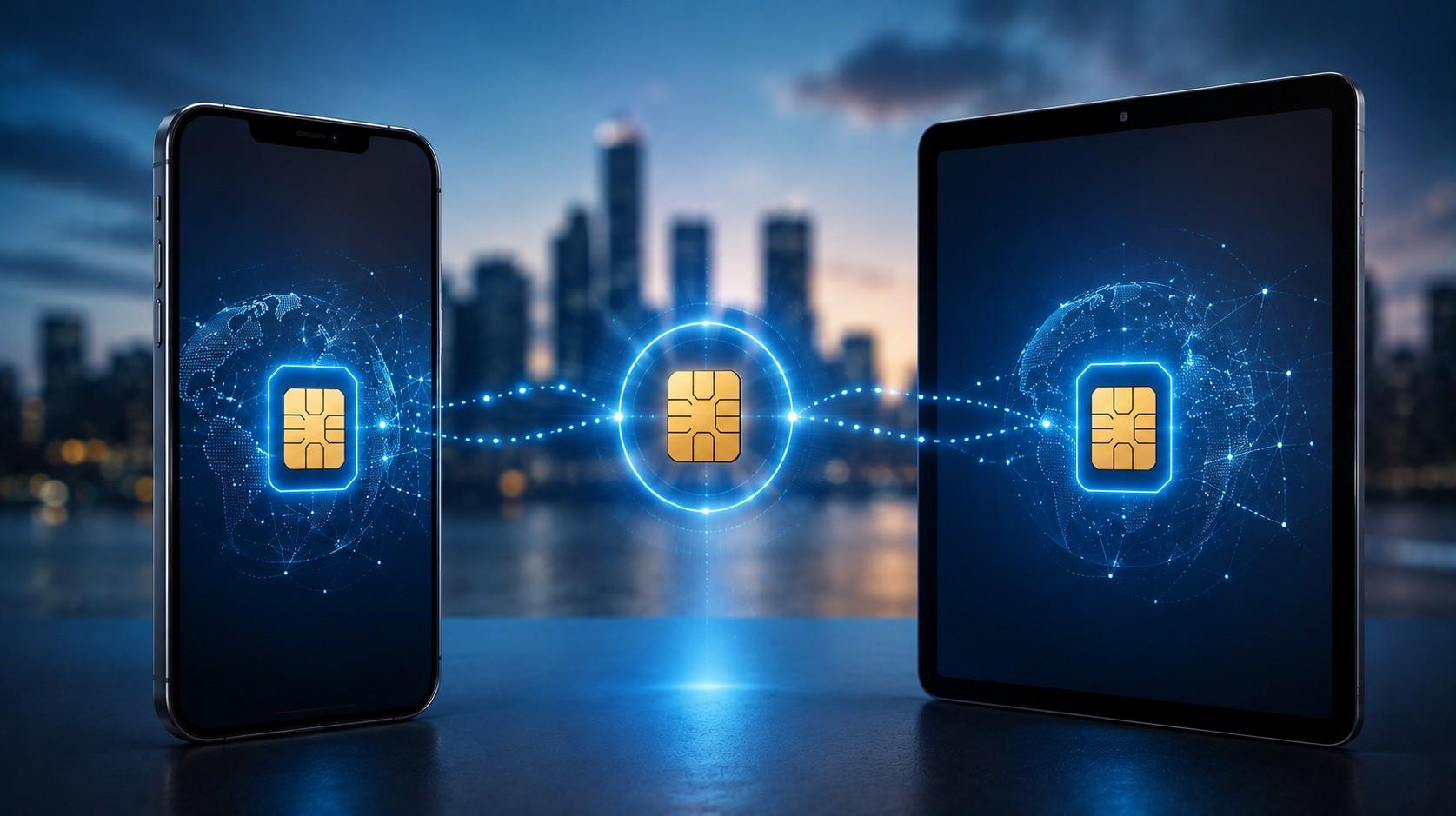
Can You Use One eSIM on Two Devices?
An eSIM profile is a single carrier credential written to one device’s eUICC chip, identified by its own ICCID and locked to the handset that downloads it. One profile, one device. That’s the rule set by the GSMA’s SGP.22 specification, and it’s why a QR code that worked on your iPhone won’t bring your partner’s Pixel online.
The confusion is understandable. A travel plan feels like a data bucket you bought, so sharing it across a phone, a tablet, and a laptop sounds reasonable. What you actually bought is a profile download, delivered once from an SM-DP+ server to the first device that requests it. After that download completes, the server marks the profile as installed and won’t issue it again.
There’s still a legitimate way to put one plan on several screens, and it’s the one most travelers already use at home: personal hotspot. A phone running a Vesim plan can share its connection with a tablet, a laptop, and a travel companion’s handset over Wi-Fi, all drawing from the same allowance. Plans start at $0.60 across 220+ destinations, so a second profile is often cheaper than the workarounds people attempt.
This guide covers why profiles bind to one device, what happens when you rescan a used QR code, how to share one plan properly over hotspot, when a second profile makes more sense, how Apple Watch number sharing differs, moving a plan to a new phone, and the cost math for couples and families. Eleven questions close it out.
The short answer
One eSIM profile runs on one device at a time, and on most travel plans that binding is permanent. The profile installs, registers against your handset’s IMEI, and stays there until you delete it.
Two exceptions exist and neither does what people hope. Home carrier plans sometimes support multi-device sharing, where a wearable or tablet gets its own profile tied to the same account and number. And a few providers allow a one-time transfer to a replacement handset through support. Neither lets two devices use one profile simultaneously.
So the practical options come down to three: run the plan on your phone and share by hotspot, buy a second plan for the second device, or move the profile permanently to whichever device you’d rather have online. The technical reason behind that limit is worth knowing, because it explains every error message you’ll hit.
Why a profile binds to one device
Profile delivery works through an SM-DP+ server, the remote system that holds your prepared profile until a device asks for it. Your QR code contains an address for that server plus a matching ID, and nothing else. It isn’t the plan. It’s a claim ticket.
When your phone scans the code, it opens a session with the server, proves it has a valid eUICC, and downloads the profile. The server then marks that matching ID as consumed. A second device presenting the same ticket gets refused, because the profile it points to no longer exists in a downloadable state.
Binding tightens further after installation. The profile records the device’s EID and IMEI, and carriers use that pairing for fraud prevention and network registration. This is also why deleting a profile mid-trip is risky rather than helpful, a point covered in the guide to an eSIM not working after landing. Understanding the ticket model makes the rescan errors predictable.
What happens when you scan a used QR code
Rescanning produces one of a small set of errors, and each means the same thing underneath:
“Unable to Add Cellular Plan” on iPhone, the generic download failure.
“This code is no longer valid” or “Activation code already used”.
“Profile not available” or “Download failed” on Android.
A scan that appears to work, then leaves the line stuck with no service.
A silent failure where nothing happens at all after the camera reads the code.
None of these indicate a fault with your second device. The claim ticket was spent on the first one. Decoding the full range of scan errors, including the ones that happen on a genuinely fresh code, is covered in eSIM QR code not scanning. Once the code is spent, hotspot becomes the practical route.
Share one plan by hotspot
Hotspot sharing puts one plan behind every device you’re carrying. Your phone holds the profile and broadcasts a Wi-Fi network; the tablet, laptop, camera, and your travel partner’s phone all connect to it and draw from the same allowance.
Setup takes under a minute. On iPhone: Settings > Personal Hotspot > Allow Others to Join, then set a password. On Android: Settings > Network and internet > Hotspot and tethering > Wi-Fi hotspot. Confirm the travel line is your active data line first, otherwise the hotspot shares your home carrier’s roaming connection instead.
Watch three things while sharing. Battery drains fast, so keep the phone plugged in during work sessions. Laptops consume far more than phones, since cloud sync and system updates resume the moment they see a connection. And throughput divides across connected devices, which is one of the causes explained in the eSIM speed troubleshooting guide. Hotspot covers most cases, though not all of them.
When a second profile makes more sense
Some setups don’t work over hotspot, and buying a second plan is cleaner than fighting them:
Travel companions who split up during the day need independent connections.
A tablet or laptop used while the phone is charging in a hotel room needs its own line.
Long work sessions drain a sharing handset faster than a power bank refills it.
Cellular tablets used for navigation in a rental car benefit from a dedicated plan.
Backup connectivity matters when one carrier goes down in a destination.
Cost rarely justifies the workaround at these prices. A second plan starting from $0.60 costs less than a coffee, and it removes the coordination problem entirely. Business travelers who can’t afford a single point of failure treat the second profile as insurance, an approach detailed in the best eSIM for business travelers guide. Wearables follow different rules again.
Apple Watch and tablet number sharing
Number sharing on an Apple Watch or a cellular iPad works through your home carrier, not through a travel plan. The watch receives its own profile with its own ICCID, billed as an add-on line that mirrors your phone number.
That mechanism belongs to the carrier. Travel eSIM providers issue data-only profiles without an associated number, so there’s nothing for a watch to mirror. A cellular Apple Watch abroad stays on your home carrier’s roaming rates unless you leave it paired to the phone over Bluetooth and Wi-Fi.
Cellular iPads are different again, since they accept a standard data profile like any phone. If your iPad has an eUICC, you can install a separate travel plan on it directly and skip hotspot for that device. Whether your specific hardware qualifies comes down to the same compatibility check described in how to know if your phone is eSIM compatible. The rules change once more when you replace the phone itself.
Moving a plan to a new phone
Transfer support splits along the same line as everything else. Home carrier profiles usually move, travel profiles usually don’t.
Apple’s Quick Transfer and Android’s eSIM transfer tool move carrier profiles between handsets in a few taps, with the carrier reissuing the credential behind the scenes. Those tools work because your carrier account exists independently of the device.
Travel plans lack that account layer. The profile was issued once against one eUICC, so a new phone means a new plan in nearly every case. If your handset died mid-trip, contact support before buying, since some providers reissue a code once when a device fails. Buying a fresh plan for the replacement device is the faster route, and the pricing makes it a small decision.
The cost math for couples and families
Two travelers sharing one hotspot spend less on plans and more on coordination. Two travelers with a plan each spend a little more and stop thinking about it.
Run the comparison on a one-week trip. A shared setup means one plan with a larger allowance, one phone tethering all week, and both people staying within Wi-Fi range of each other whenever the second person needs data. Two plans mean smaller allowances each, independent movement, and no battery negotiation.
Families scale the problem. Four devices on one hotspot will exhaust an allowance faster than the same four on separate plans, because tethered laptops and tablets sync aggressively the moment they connect. For a household, per-device plans across 220+ destinations usually cost less than the single large plan that sharing would require. Browse country and regional options on the Vesim destinations page before you decide, and note that multi-country trips change the math again.
Two devices, two countries, one trip
Multi-stop trips complicate device planning, because a country plan that covers your phone in Thailand does nothing for your tablet in Vietnam. Two devices crossing three borders means either two regional plans or a lot of hotspot juggling.
Regional plans simplify this. One profile per device covering a whole region removes the reinstall step at every border, which matters more when you’re managing two handsets rather than one. The trade-offs between regional and single-country coverage are laid out in regional eSIM versus country eSIM.
Whichever route you take, install both profiles before departure while you have stable Wi-Fi. Installing a second plan on a tablet in an airport lounge is the situation everyone wants to avoid.
Prepaid plans make the second profile a small decision
Prepaid pricing removes most of the reason travelers try to stretch one profile across two devices. A second plan carries no contract, no monthly commitment, and no line rental, so the only cost is the plan itself.
Postpaid roaming works the opposite way. Adding a device to a carrier plan means another line fee every month, which is exactly the pressure that makes sharing feel necessary. The cost structures behind both models are compared in prepaid travel eSIM versus postpaid.
Buy per device, per trip, and size each plan to what that device actually does. A tablet used for evening reading needs a fraction of what a work laptop needs, and paying separately for each is usually cheaper than one oversized shared allowance.
Can two phones use the same eSIM at once?
No, a profile installs on one device and the activation code can’t be reused. The SM-DP+ server marks the profile as delivered after the first successful download, so a second handset receives an error rather than a plan.
Can I install my eSIM on my phone and my iPad?
Not from one purchase, since each device needs its own profile. Buy a separate plan for the iPad, or connect it to your phone’s personal hotspot and draw from the single allowance.
Does hotspot use more data than browsing on the phone?
Yes, usually a lot more, because laptops and tablets resume cloud backup, system updates, and high-resolution streaming as soon as they connect. Pause automatic sync on connected devices before you start sharing.
Which devices can hold their own travel eSIM?
Any device with an eUICC chip qualifies, which covers most phones from iPhone XS, Galaxy S20, and Pixel 3 onward, plus cellular iPads and some Windows laptops. Dial *#06# on a phone and look for an EID to confirm.
Can I move my eSIM to a new phone mid-trip?
Usually not, because travel profiles bind to the original device and providers rarely reissue codes. Contact support first if your handset failed, then buy a replacement plan if a reissue isn’t available.
Is hotspot sharing cheaper than buying a second plan?
Sharing costs less in plan fees but more in allowance, since tethered devices consume faster than phones. With plans from $0.60, a second profile often works out cheaper than the larger allowance sharing demands.
What happens if I delete my eSIM and try to reinstall it?
Reinstallation fails on most travel plans, and the plan is lost along with any remaining data. Never delete a profile as a troubleshooting step, since toggling settings and restarting fix nearly everything deletion won’t.
Do both devices need to be eSIM compatible for hotspot?
No, only the device holding the profile needs eSIM support. Anything that joins a Wi-Fi network can use the hotspot, including older phones, laptops, cameras, and e-readers.
Can my Apple Watch use my travel eSIM?
No, because travel plans are data-only and carry no number for the watch to mirror. Keep the watch paired to your phone over Bluetooth and Wi-Fi while abroad, which costs nothing.
Which is better for a couple, one big plan or two small ones?
Two plans win for anyone splitting up during the day, while one shared plan wins for couples who stay together and want to spend less. Independence and battery life are what you’re really buying with the second profile.
How many eSIM plans can I keep on one phone?
Most current handsets store 8 to 20 profiles with two active at once, so you can carry several destinations at the same time. Clearing expired plans keeps space free, as covered in removing an eSIM after your trip.
Does the second device need to be the same brand?
No, hotspot sharing works across any mix of hardware, so an iPhone can serve a Windows laptop and an Android tablet at the same time. Only the device holding the profile has any brand or model requirement.
The short version
A travel eSIM profile is a single credential written to one eUICC chip, delivered once from an SM-DP+ server against a claim ticket that gets consumed on first use. That’s why the same QR code never brings a second device online, and why every rescan produces a variation of the same download error.
Sharing still works, just at the connection layer instead of the profile layer. Run the plan on your phone, switch on personal hotspot, and every tablet, laptop, and travel companion draws from one allowance. Watch battery, pause laptop sync, and expect throughput to divide. Where sharing breaks down, when travelers split up, when a laptop needs all-day connectivity, or when redundancy matters, a second profile is the simpler answer.
Wearables sit outside all of this, and profile transfers to a new handset rarely apply to travel plans. Install everything before you fly. Plans for 220+ destinations start from $0.60 at vesim.global.