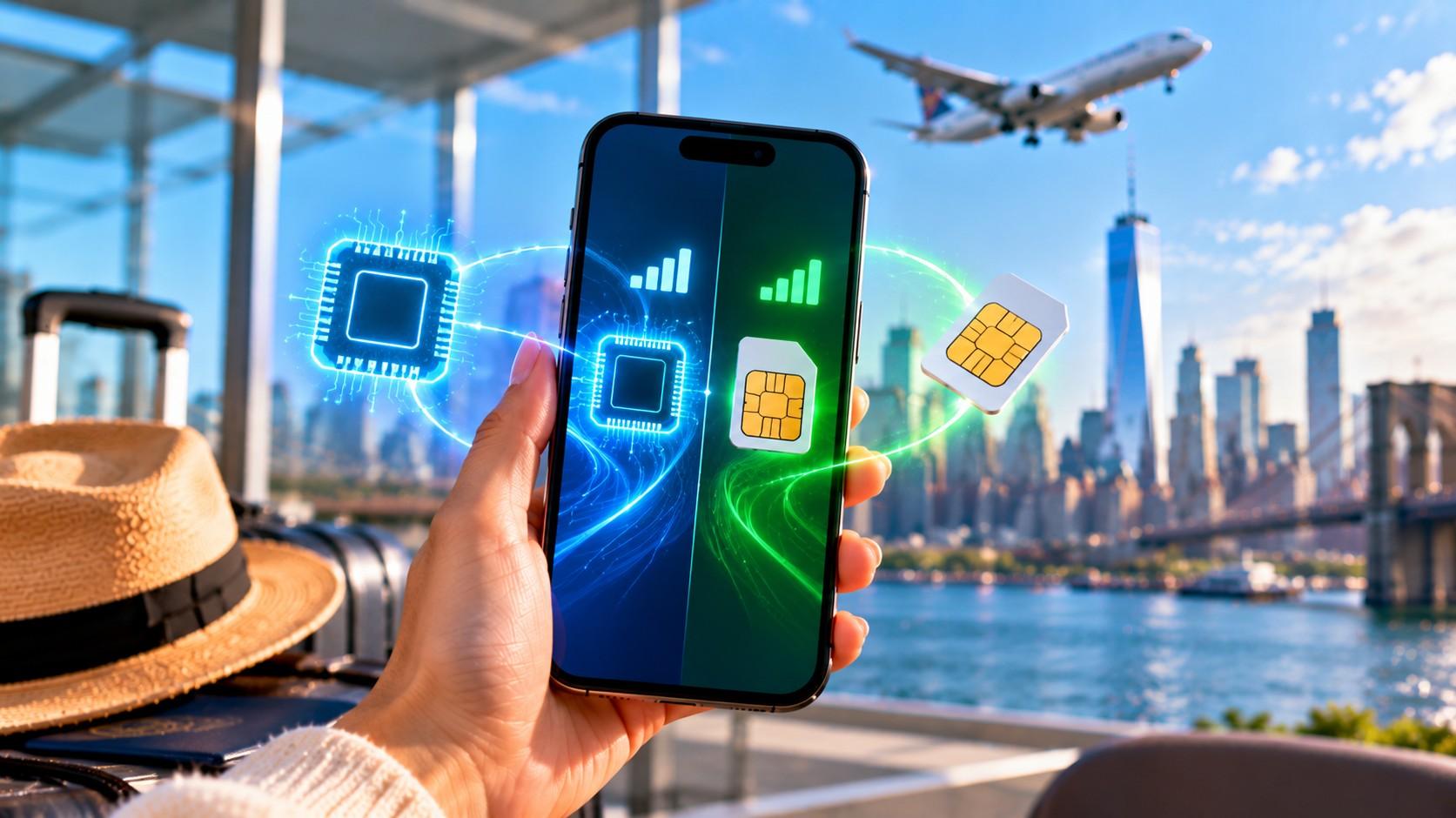
Can You Use eSIM and Physical SIM at the Same Time?
Yes. A dual SIM phone runs an eSIM (embedded SIM) and a physical nano-SIM card side by side, so one handset holds two phone numbers, two carriers, and two plans at once. The eSIM is a rewritable chip soldered to the motherboard, built on the GSMA remote provisioning standard. The nano-SIM is the removable card that sits in the tray.
Most phones handle this pairing through Dual SIM Dual Standby (DSDS). Both lines stay registered on their networks and can receive calls and texts. But only one line carries cellular data at any moment, and a call on one line usually sends the other line’s callers to voicemail. A few devices support Dual SIM Dual Active (DSDA), which keeps both radios fully live.
Apple supports this setup on every iPhone from the iPhone XS, XS Max, and XR onward. Google lists dual SIM on the Pixel 3a and later, and Samsung offers it on most recent Galaxy S, Z Fold, and Z Flip models. Your phone also has to be carrier-unlocked if the two lines come from different companies.
Travelers get the most out of the combination. The home SIM keeps your number reachable for bank codes and calls, while a travel eSIM supplies local data at local prices. Setup takes a few minutes in Settings: you add the eSIM, label each line, pick a default voice line, and assign mobile data. Limits exist too, including eSIM-only US iPhones, carrier locks, and a slightly higher battery draw.
How dual SIM works with an eSIM and a SIM card
Dual SIM lets one handset hold two subscriber identities, each with its own IMSI, phone number, and carrier profile. The phone treats an eSIM profile like a card. It just downloads it over the air.
Two operating modes decide how the lines share the modem:
DSDS (Dual SIM Dual Standby): both lines wait for incoming calls and SMS, but only one handles a voice call at a time. Nearly every iPhone, Pixel, and Galaxy uses this mode.
DSDA (Dual SIM Dual Active): both lines stay fully active, so you can hold a call on one while the other still rings. Support depends on the chipset and the carrier, and it’s far less common.
Data follows a separate rule. You choose one line as the cellular data line, and the phone routes every app through it. On iPhone, a toggle called Allow Cellular Data Switching can temporarily move data to your voice line during a call. Pixel 8a and later phones have a similar option named Automatic data switching.
So the real question is whether your phone model supports dual SIM.
Which phones support a physical SIM and an eSIM together
Phone support varies by brand, model, and sales region:
iPhone: the iPhone XS, XS Max, XR, iPhone 11, 12, and 13 lines, plus the iPhone SE (2nd and 3rd generation), accept one nano-SIM and one eSIM. iPhone 13 and later can also run two eSIMs at once.
Google Pixel: Pixel 3a and later support DSDS with a SIM card and an eSIM. Pixel 7 and later can hold two active eSIM profiles if the carriers allow it.
Samsung Galaxy: most S series phones from the S20 generation onward, plus the Z Fold and Z Flip lines, pair a nano-SIM with an eSIM. Some Galaxy A models do too.
Other brands: Motorola Razr and Edge, OnePlus, Oppo Find X, Sony Xperia, and Xiaomi flagships include eSIM on many regional versions.
Watch out for eSIM-only phones. US models of the iPhone 14 and later have no SIM tray, and Google says US Pixel 10 phones (except the Pixel 10 Pro Fold) work only with eSIM. On those devices you run two eSIMs instead of a card plus an eSIM.
To confirm support, look for an EID (a 32-digit eSIM identifier) under Settings > General > About on iPhone, or dial *#06#. An EID means the eSIM hardware is present. Carrier locks are the next hurdle, and they show up the moment you install a profile from a second provider.
Why travelers pair a travel eSIM with their home SIM
Pairing keeps your identity on your home line and moves your data bill to a cheaper local plan. The benefits stack up quickly abroad:
Reachability: your regular number still receives calls and SMS, including one-time passcodes from banks, Apple ID, and airline apps.
Lower data costs: a prepaid travel eSIM replaces daily roaming passes that US carriers often price at around $10 to $15 per day.
No card swapping: you skip hunting for a kiosk at the airport and never risk losing the tiny home SIM in a hotel room.
Separate work and personal lines: at home, the same setup splits a business number from a personal one on one handset.
WhatsApp, iMessage, and FaceTime stay linked to your home number while running on the eSIM’s data. And Google Maps and Uber load at local speeds.
Using a Vesim travel eSIM next to your home SIM
Vesim sells data eSIMs for 220 countries and destinations, with plans starting from $0.60. Activation is instant and needs no plastic card, so your nano-SIM stays in the tray untouched. More than 10K travelers have used it this way.
A typical trip: buy a plan from the Japan eSIM page before departure, install it on home Wi-Fi, and land with data ready. Visitors heading the other direction can do the same with a US eSIM plan. Data allowances, validity, and hotspot rules differ by plan, so check the details on each country page before buying. The installation itself happens in your phone’s cellular settings.
How to set up an eSIM alongside your physical SIM
Setup works best on home Wi-Fi a day or two before you fly. Keep the nano-SIM inserted.
iPhone steps
Open Settings > Cellular and tap Add eSIM (older iOS versions say Add Cellular Plan).
Scan the QR code from your provider or enter the activation details manually.
Label the lines, for example “Home” and “Travel,” so menus stay readable.
Pick Default Voice Line as Home, which keeps calls and iMessage on your number.
Set Cellular Data to Travel and switch off Allow Cellular Data Switching.
Android steps
Go to Settings > Network & internet > SIMs on a Pixel, or Settings > Connections > SIM manager on a Galaxy.
Tap Add SIM or Add eSIM, then scan the QR code.
Choose the eSIM as the default for mobile data.
Keep the physical SIM as the default for calls and SMS.
Menu names shift between Android versions, but the choices stay the same. After that, daily management comes down to a few toggles.
Managing calls, texts, and data on two lines
Defaults control almost everything after setup. Your phone uses the default voice line for new calls and texts, and each contact can be pinned to a preferred line. On iPhone, open a contact, tap the line under their name, and choose which number to use.
Roaming toggles prevent surprise bills. Turn Data Roaming off on the home line so it can’t pull data abroad. Turn it on for the travel eSIM, because a profile issued in another country counts as roaming to your phone. Leaving Allow Cellular Data Switching on is a common mistake, since it can quietly route data through your home carrier during a call.
Incoming calls on the home line still ring abroad, and your carrier may bill them at international rates. Wi-Fi Calling, where supported, lets you answer over hotel Wi-Fi. Slips like these cause most dual SIM problems.
Limitations and common problems
Dual SIM has real limits, and most trace back to hardware or carrier policy:
Carrier locks: a locked phone rejects a second carrier’s profile. Apple states that both plans must come from the same carrier unless the iPhone is unlocked.
One data line: you can’t split app traffic across both SIMs at once.
Missed calls during calls: on DSDS phones, a call on one line sends the other line to voicemail.
Battery draw: keeping two radios registered uses slightly more power, especially where one network has a weak signal.
Network speed: some phones drop the secondary line to 4G while dual SIM is active.
Most issues have quick fixes. “No Service” on the eSIM usually means data roaming is off for that line, and a stuck activation often clears after a restart. Travelers tend to ask the same handful of questions.
Do I need to remove my physical SIM to use an eSIM?
No, the physical SIM stays in the tray. Dual SIM phones run both at once, and pulling the card only disables your home number.
Can I use cellular data on both SIMs at the same time?
No, only one line carries data at a time. You pick the data line in settings. iPhone’s Allow Cellular Data Switching and Pixel’s Automatic data switching can move data temporarily during a call.
What is DSDS?
DSDS (Dual SIM Dual Standby) keeps two lines registered while only one handles an active call. It’s the default mode on iPhone, Pixel, and most Galaxy phones.
What is an EID number?
An EID is the 32-digit identifier assigned to your phone’s eSIM chip. Providers use it to issue profiles, and its presence in Settings confirms eSIM hardware.
Which iPhones support a nano-SIM and an eSIM together?
The iPhone XS, XS Max, XR, iPhone 11 through 13 models, and the iPhone SE (2nd and 3rd generation) support this pairing. International models of later iPhones with a SIM tray work too, while US iPhone 14 and newer models are eSIM-only.
How many eSIMs can my phone store?
Apple says an iPhone can store eight or more eSIMs, but only two lines run at once. Android limits vary by maker and model.
Will I still get texts on my home number abroad?
Yes, as long as the home line stays switched on. SMS arrives over your carrier’s roaming partner, which is how bank and two-factor codes still reach you. Check your carrier’s international rates for calls.
Can I use a physical SIM and two eSIMs together?
Yes, on iPhone 13 and later you can install several eSIMs alongside a nano-SIM. Still, only two lines stay active, so you choose which pair runs.
Which settings should I change before traveling with dual SIM?
Change four settings: default voice line, cellular data line, data roaming per line, and cellular data switching. Getting these right prevents roaming charges on your home plan.
Is a travel eSIM cheaper than international roaming?
A travel eSIM usually costs less than daily roaming passes. Carrier passes often run about $10 to $15 per day, while prepaid eSIM data is sold by the gigabyte or by trip length.
Is an eSIM or a physical SIM better for travel?
An eSIM is better for travel data because you install it before departure and never handle a card. A physical SIM still matters for the home number, which is why most travelers keep both.
Does dual SIM drain the battery faster?
Yes, slightly. The phone keeps two networks registered, and a weak signal on either line increases the draw.
Using an eSIM and a physical SIM at the same time takes a dual SIM phone running both lines under DSDS, with one line carrying cellular data. Supported models include the iPhone XS and later, Pixel 3a and later, and recent Galaxy S, Z Fold, and Z Flip phones, provided the device is carrier-unlocked. Travelers keep their home number reachable for calls and bank codes while a travel eSIM handles local data. Setup takes a few minutes: add the eSIM, label the lines, set the default voice line, and assign data. Then roaming toggles keep bills in check, and the known limits (carrier locks, one data line, slight battery draw) stay manageable. To add a data line before your next trip, choose a destination at vesim.global and install it alongside your home SIM.