Does Your Home Number Work While Using a Travel eSIM?
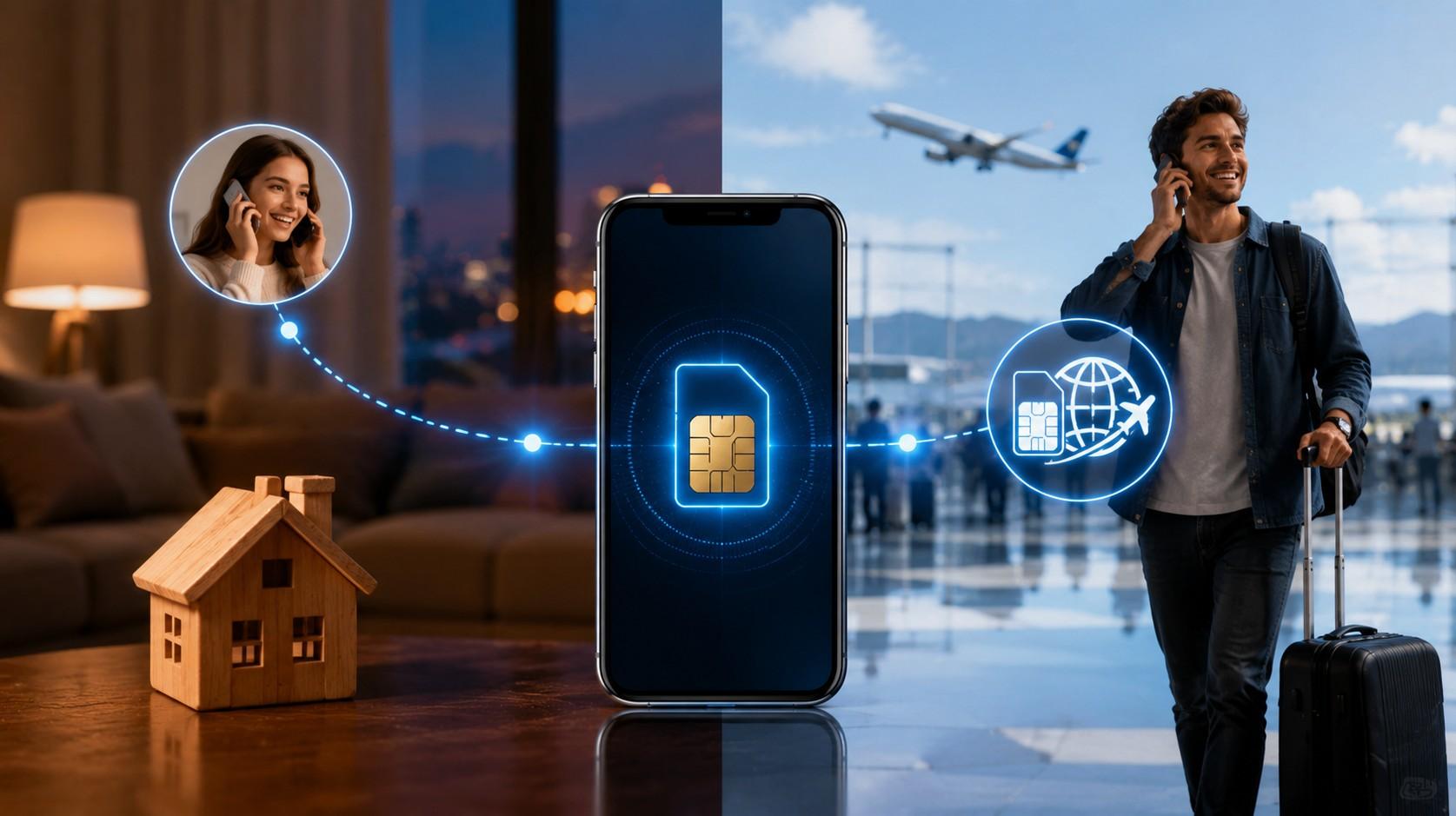
Your home number keeps working while a travel eSIM is installed, as long as that line stays switched on inside your phone. The travel eSIM adds a second line for cheap data abroad. Your original number stays tied to your home carrier, not to any SIM hardware, so calls, texts, and bank one-time passwords still reach you. With Vesim, plans start from $0.60, cover 220+ countries, and activate in seconds on a separate data-only line, which means your main number sits untouched on its own line. This guide explains how dual SIM handles two numbers at once, when roaming charges can still hit your home line, why data-only eSIMs do not replace your number, and how to set up both lines so the right one handles calls while the other handles internet.
Why your home number stays active
Phone numbers belong to a carrier account, not to the plastic card or the digital profile. When you install a travel eSIM, your phone adds a new cellular profile beside the one already running your home number. Apple confirms that on a dual SIM iPhone you can run a physical SIM and an eSIM together while travelling, and the capabilities on your primary line keep working when both lines stay on. Android handles this the same way through its dual SIM settings.
So the question is never really whether the eSIM erases your number. It does not. The real question is which line your phone uses for calls, texts, and data once two lines are active. That is a setting you control, covered further down. Your home number stays reachable because its line is still registered with your home network, even while a Vesim profile carries your internet traffic on the second line.
Data-only eSIMs versus eSIMs with a number
Most travel eSIMs are data-only. A data-only plan gives you mobile internet abroad and nothing else. It carries no number of its own, so it cannot send carrier SMS or place standard cellular calls. That is by design. The plan exists to replace expensive roaming data, not to replace your phone number. Vesim plans across the 220+ country range follow this model, which is exactly why your home number is left alone.
A smaller set of plans, sometimes called eSIMs with a number, assign you a fresh local number for calls and texts. These behave more like a traditional local SIM. You rarely need one for a short trip, because your home number already handles the calls and texts that matter, while the travel eSIM handles the data. Knowing which type you bought tells you instantly what to expect: a data-only plan never touches your number, while a numbered plan simply adds a second number on top of your existing one.
This distinction trips up a lot of travellers. People treat "eSIM" as a service type when it is really just a SIM format. Two eSIM plans can behave completely differently. One might be your full home line; another might be a week of travel data. Once you separate the format from the plan, the number question answers itself.
How dual SIM runs both numbers at once
Dual SIM technology lets one phone hold two active lines. Nearly every recent iPhone and most mid-range and flagship Android phones support it. One line runs your home number on its existing SIM or eSIM. The second line runs your Vesim travel eSIM for data. Both stay registered at the same time, so a call to your home number rings your phone while your maps, messaging apps, and browser pull data through the eSIM.
You assign roles to each line in settings. You pick which number is the default for calls, which one sends SMS, and which one carries mobile data. The usual travel setup keeps your home line on for calls and texts, sets the Vesim eSIM as the data line, and turns data roaming off on the home line. That single combination gives you a reachable home number and cheap local data without the two ever competing.
iMessage, FaceTime, and WhatsApp deserve a note here. These services run over whatever data connection is available, and they stay tied to your existing identity. WhatsApp keeps the number you registered with. iMessage and FaceTime keep working on your home line over the eSIM's data or over Wi-Fi. You do not re-register anything; the apps simply ride the Vesim connection. Which brings up the one cost most travellers forget about.
When roaming charges can still hit your home line
Roaming charges come from your home line, never from the travel eSIM. The eSIM is prepaid local data, so it cannot generate a roaming bill. The risk sits entirely with your home number if you leave it doing things abroad that your carrier bills at international rates.
Two habits cause almost every surprise charge. The first is leaving data roaming switched on for the home SIM. Your phone can quietly use that line for background data even while the eSIM is meant to handle everything, and your carrier bills it at roaming rates. The fix is to turn data roaming off on the home line and confirm the Vesim eSIM is set as the only data line. The second is making or taking calls and texts on the home number while abroad. Incoming calls, outgoing calls, and SMS on a roaming home line can each carry a fee, depending on your provider and plan.
If you only need your home number to receive bank codes and stay reachable for emergencies, keep it active for calls and texts but block its data. You then route every byte of internet through the eSIM. That keeps the home line cheap to nearly free while the Vesim plan, starting at $0.60, carries the data load. For a fuller breakdown of plans and per-country pricing, see the Vesim plans page. Managing the line correctly protects the one thing most travellers actually worry about: their texts.
Will you still receive bank OTPs and verification texts?
Bank one-time passwords and verification texts arrive on your home number as long as that line stays active and registered abroad. OTPs are carrier SMS, and they go to the line tied to your home account, not to the data-only travel eSIM. Keep the home line switched on and you keep receiving the codes that unlock banking apps, logins, and two-factor prompts.
A few caveats are worth a quick test before you fly. Some carriers handle international SMS differently, and a handful of banks limit message delivery to certain regions. If a particular code is critical for your trip, trigger a test OTP from home before departure to confirm it lands while roaming. App-based authenticators, which generate codes offline without any SMS, sidestep the issue entirely and are worth setting up as a backup. With the OTP question settled, the only thing left is making calls without paying roaming rates.
Making calls and sending texts without roaming fees
Calls and texts split into two clean options once a travel eSIM is in. You either use your home number sparingly and accept your carrier's roaming rates, or you call and message over the internet through the eSIM's data and pay nothing extra. Most travellers lean on the second option for everyday contact and keep the home line in reserve for anything that truly needs the real number.
Internet calling covers nearly every situation. WhatsApp, FaceTime Audio, Telegram, Signal, and Messenger all place voice and video calls over the Vesim data connection. For calling an actual phone number that has no app, a VoIP service such as Skype dials real numbers over data, usually for a small credit. None of this touches your home line, so none of it triggers a roaming charge. The Vesim eSIM simply provides the data these apps need across all 220+ countries it covers.
The home number stays in the background as your safety net. It receives the calls and codes that matter, while the eSIM and your messaging apps handle the daily volume. This is the setup most experienced travellers settle into, because it keeps you reachable on your real number while your spending stays predictable.
How to set up your home number and Vesim travel eSIM together
Setup takes a few minutes and happens mostly before you leave. Install the Vesim eSIM by scanning the QR code or activating it through the app while you still have Wi-Fi at home. The profile installs as a second line and sits dormant until you arrive. Activation runs in seconds, with no physical SIM to collect or swap.
Once you land, open your phone's cellular settings and set three things. Set the Vesim eSIM as your mobile data line. Keep your home line on for calls and SMS so OTPs and important calls still reach you. Turn data roaming off on the home line so it cannot pull billable background data. On iOS 26, your iPhone may prompt you to turn on the travel eSIM and ask whether to use the travel eSIM only or alongside your current line; choosing both keeps your home number live. Android exposes the same controls under its dual SIM or SIM manager menu. To compare coverage and data amounts for your destination before you travel, browse the Vesim country list. That single configuration is what makes two numbers coexist cleanly on one phone.
Does installing a travel eSIM change my phone number?
No. Installing a travel eSIM does not change or remove your phone number. Your number belongs to your home carrier account and stays on its own line. The travel eSIM adds a separate data line beside it, so your original number keeps working for calls and texts whenever that line is switched on.
Can I use my home number and a travel eSIM at the same time?
Yes, on any dual SIM phone. One line runs your home number; the other runs the Vesim eSIM for data. Both register on their networks at once, so your number rings while your apps pull internet through the eSIM. You choose in settings which line handles calls, texts, and data.
Will I get charged roaming fees if my home line stays on abroad?
Possibly, but only on the home line, never on the eSIM. Charges appear if you leave data roaming on for the home SIM or make calls and send texts on it while abroad. Turn data roaming off on the home line, route all data through the Vesim eSIM, and the home line stays cheap to nearly free.
Do data-only travel eSIMs come with a phone number?
No. Data-only eSIMs provide internet access only and carry no number, so they cannot send carrier SMS or place standard cellular calls. Vesim plans across 220+ countries follow this model. Your home number handles calls and texts; the eSIM handles data starting from $0.60.
Will my bank OTP texts still arrive on my home number?
Yes, as long as the home line stays active and registered abroad. OTPs are carrier SMS sent to your home account's line, not to the data-only eSIM. Keep that line on and the codes arrive. Test a code before you travel if a specific login is critical, and set up an app authenticator as a backup.
How do I make calls without paying roaming charges?
Call over the internet using your Vesim data. WhatsApp, FaceTime, Telegram, Signal, and Messenger place calls over the eSIM connection at no extra cost. To dial a regular phone number, use a VoIP app like Skype over data. None of this uses your home line, so none of it triggers a roaming fee.
Does WhatsApp keep my number when I switch to a travel eSIM?
Yes. WhatsApp stays tied to the number you registered with and works over any data connection, including the Vesim eSIM. You do not re-register. The same applies to iMessage and FaceTime, which keep using your existing identity over the eSIM's data or Wi-Fi.