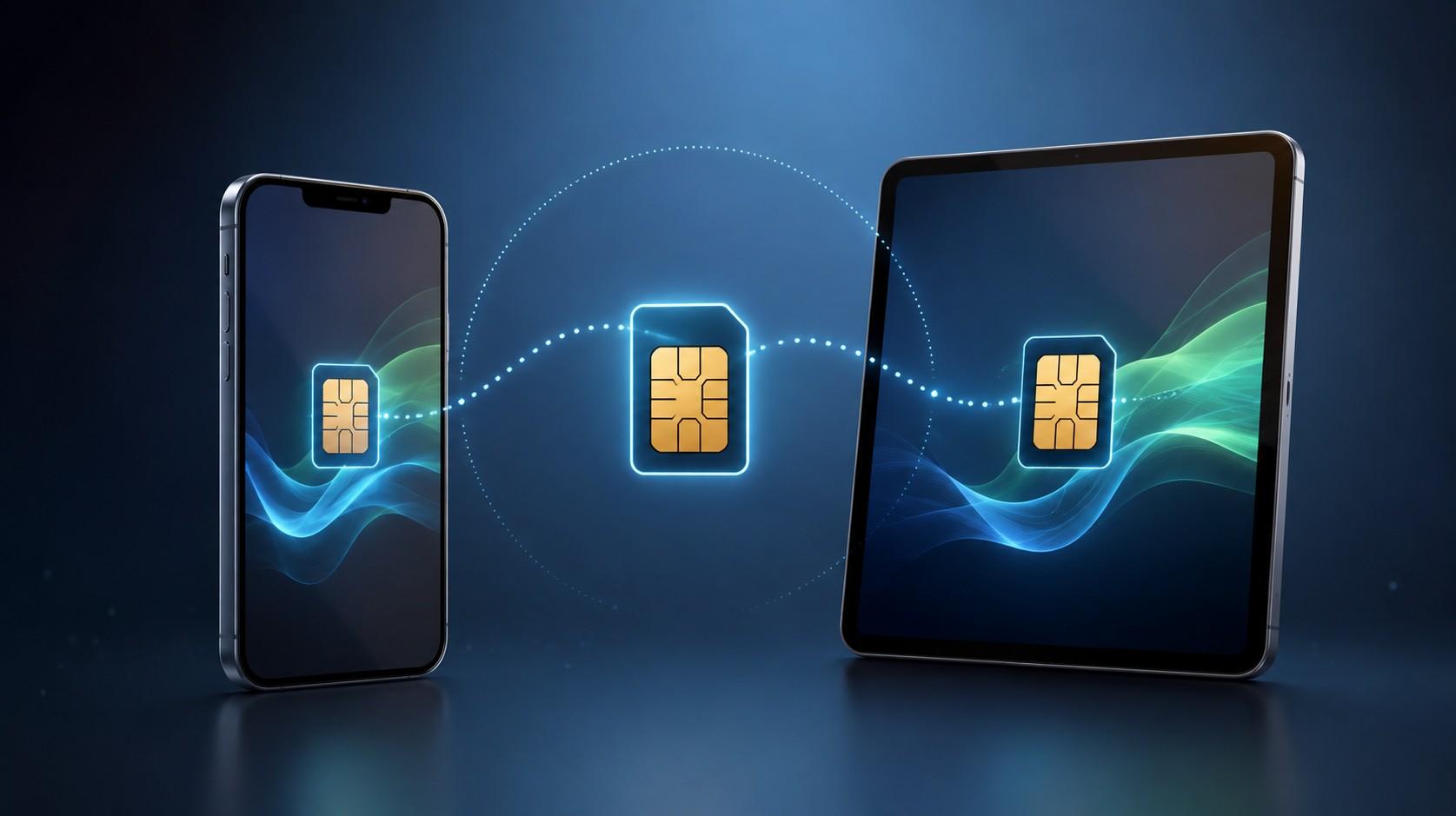
Can You Use One eSIM on Two Devices?
No. One eSIM profile works on one device at a time, and that limit is built into the technology rather than imposed by any individual provider. The profile binds to the eUICC chip inside the handset during installation, and the activation code that delivered it is almost always single use. Two phones cannot run the same profile simultaneously, in the same way two people cannot hold the same hotel room key.
What you can do is move a profile between devices, share the connection from one device to another, or buy a second plan. Each of those has different consequences, and picking the wrong one mid-trip is how travelers end up with two phones and no data on either.
Vesim delivers profiles by email as a QR code across 220+ countries with plans from $0.60, and the one-device rule applies there as it does everywhere else. Understanding why it exists makes the workarounds obvious.
The reasoning is partly security and partly bookkeeping. Duplicating a profile across devices would allow cloning, which carriers spend considerable effort preventing. It would also break usage records, since the network could not attribute traffic reliably. Every profile carries device-specific configuration too, so the same file behaves differently on different hardware.
This guide explains the binding, what single-use activation codes mean in practice, how to transfer a profile to a new phone on iPhone and Android, why tethering solves the problem for laptops and tablets, when two separate plans make more sense, and what to do when a handset breaks or disappears abroad. Twelve questions at the end cover the edge cases.
Why a profile binds to one device
Installation is not a file copy. It is a provisioning event between your handset and the provider’s server, and the result is a credential locked to that specific chip.
Three reasons hold the rule in place:
Security, since a duplicated profile could be used to intercept traffic or impersonate the subscriber
Network integrity, since operators track which device holds which credential
Configuration, since each profile carries settings matched to the hardware it installed on
Physical cards work the same way. You cannot put one plastic SIM into two phones either. The difference is that a physical card is visibly in one place, while a digital profile feels like something that could be copied. It cannot. The activation code makes that permanent.
What single-use activation codes mean
The QR code in your confirmation email contains two things: the address of the provisioning server and a one-time key. Once redeemed, that key stops working.
This produces consequences worth knowing before you touch anything:
Scanning the code on a second phone returns an error, commonly “this code is no longer valid”
Cancelling an installation part way through can burn the code anyway
Deleting an installed profile usually means it cannot be reinstalled
Some providers permit reinstallation on the same device only, as a courtesy rather than a right
Never delete a working profile to try it elsewhere. Contact the provider first and confirm whether a replacement can be issued. Moving a profile deliberately is a different process entirely.
Transferring a profile to a new phone
Transfer is supported in more places than it used to be, though travel plans are stricter than carrier plans.
On iPhone, iOS 16 and later includes a direct handoff. Open Settings, Cellular, then Transfer eSIM, and follow the prompts with both devices nearby. Apple also offers the transfer during initial setup of a new iPhone, and it can move several profiles in one session.
On Android, support varies by manufacturer and carrier. Some models allow a re-download; others require the operator to issue a new profile. There is no universal equivalent to Apple’s handoff.
Across platforms, from iPhone to Android or the reverse, you generally need the provider to issue a fresh profile. Contact support with your order reference rather than experimenting.
Travel plans often decline transfer altogether, because the profile was provisioned per device as a security measure. Check the policy before you upgrade your phone mid-trip. When transfer is not available, sharing is.
Sharing the connection instead: tethering
Tethering solves the actual problem behind most of these questions, which is getting a second device online rather than duplicating a credential.
Turn on the hotspot from the device holding the profile, then connect the laptop, tablet, or second phone over Wi-Fi, USB, or Bluetooth. The shared traffic draws from the same allowance, and no additional plan is needed.
Practical notes:
Enable the hotspot on the device carrying the travel profile, not the dormant one
Prefer USB tethering for a laptop, since it is faster and charges the phone
Expect heavy battery drain, so carry a power bank for long sessions
Watch the allowance closely, because laptops consume data far faster than phones
Check the plan’s hotspot rule, since some unlimited-style products restrict sharing
Tethering suits light and occasional second-device use. Sustained use argues for a different arrangement.
When two plans beat one shared connection
Buying a second plan makes sense more often than travelers expect.
A tablet used heavily for work benefits from independence, since it stays online when the phone is off or out of range. A travel companion with their own itinerary cannot follow your hotspot around a city. A backup handset carried for security reasons is useless if it depends on the primary device being intact.
Two plans also avoid the battery problem entirely. A phone acting as a hotspot for eight hours will not survive the day, and the second device gains nothing if the first one dies at 4:00 PM.
Cost rarely decides this. Entry pricing across the market is low enough that a small second allowance costs less than a coffee, and Vesim lists plans from $0.60. The scenario that removes all choice is losing the device altogether.
Which arrangement fits your trip
Three setups cover almost every situation, and the right one depends on how independent the second device needs to be.
Hotspot from the phone. One plan, one profile, everything else connects through it. This suits a laptop used for an hour in the evening, a tablet for reading, or a partner checking messages at dinner. It costs nothing extra and needs no additional setup.
A plan on each device. Two profiles, two allowances, both online independently. This suits remote work, a companion with a separate schedule, or a tablet that stays connected while the phone is charging. Managing two data pools is the trade-off, and it is a small one.
Hotspot plus a small backup plan. The main phone carries the primary allowance while a second handset holds a minimal package as insurance. Long trips and solo travelers benefit most, since it removes the single point of failure that a stolen phone represents.
Battery usually decides between the first two. A phone running a hotspot for a full working day will not last it, and the second device gains nothing from a dead primary. If the tethered session runs longer than two hours a day, the second plan pays for itself in convenience. Losing the device is the scenario that overrides all of this.
Losing or breaking your phone abroad
A handset that is stolen, drowned, or dropped takes the profile with it, and this is the one situation where the single-device rule genuinely hurts.
Steps that limit the damage:
Contact the provider immediately with your order reference and explain the circumstances
Ask whether a replacement profile can be issued to a new device, since policies differ
Buy a fresh plan on the replacement handset if reissue is refused, which is faster than arguing
Use hotel or café Wi-Fi to complete the purchase and installation
Report the loss to your home carrier separately, since your primary number needs its own action
The preventive measure is a second device already carrying its own small plan. Travelers on long trips increasingly do this for exactly this reason. The questions below cover what remains.
Can I install the same eSIM on two phones?
No. A profile can only be active on one device at a time, and the activation code is single use. Installing on a second handset requires either a transfer, which deactivates the first, or a new plan.
Can I use my eSIM on my phone and my tablet together?
Not with one profile. Either tether the tablet to the phone’s hotspot, or buy a separate plan for the tablet. Tethering suits light use; a dedicated plan suits sustained work.
What is the difference between transferring and sharing?
Transferring moves the profile to another device and removes it from the original, so only one is ever connected. Sharing keeps the profile where it is and passes the connection over a hotspot, so both devices are online at once.
Can I transfer my eSIM to a new iPhone?
Yes, usually. iOS 16 and later includes Transfer eSIM under Settings, Cellular, and the option also appears during new device setup. Travel plans sometimes decline transfer, so confirm with the provider before wiping the old handset.
Does transferring work between iPhone and Android?
Rarely without help. Cross-platform moves generally require the provider to issue a new profile. Contact support with your order reference rather than deleting anything.
What happens if I delete my eSIM by mistake?
Service stops immediately and the original code usually cannot be reused. Some providers allow reinstallation on the same device as a goodwill measure. Contact support before assuming the plan is lost, and never delete a profile as a troubleshooting step.
Can two people share one travel plan?
Only through a hotspot, and only while they stay within range of each other. Travelers with separate itineraries need separate plans, since a shared connection cannot follow two people around a city.
Does tethering use more data than normal browsing?
Yes, considerably. Laptops download updates, sync files, and load full desktop pages, so a work session can consume several gigabytes. Size the plan upward if tethering is part of the trip.
Can I install several profiles on one phone?
Yes. Most modern handsets store multiple dormant profiles and let you activate one at a time. Install each destination before departure, label them by country, and switch as you cross borders. Dormant profiles use no data.
Why do carriers not allow one profile on two devices?
Duplication would enable cloning and interception, break the operator’s record of which device holds which credential, and conflict with the device-specific settings each profile carries. The restriction exists on physical cards too.
What should I do if my phone is stolen while traveling?
Contact the provider straight away and ask whether a replacement profile can be issued to a new device. If not, buy a fresh plan over hotel Wi-Fi. Report the loss to your home carrier separately so your primary number is protected.
Is there any technology that will change this?
Not yet in any practical form. Cloud-hosted profiles that sync across devices are discussed regularly and are not available to ordinary travelers. Plan around one profile per device for now.
Summary
One eSIM profile serves one device at a time, because installation binds a credential to that handset’s chip and the activation code that delivered it is single use. Transfer moves the profile and deactivates the original, with iOS 16 offering a direct handoff and Android support varying by manufacturer. Tethering shares the connection from the device that holds the profile, which suits laptops and light second-device use at the cost of battery and allowance. Two separate plans win whenever a tablet, a companion, or a backup handset needs to stay online independently, and a lost or stolen phone is the case where a second plan already in place saves the trip.
Install each destination before you fly, label the lines clearly, and never delete a working profile. Vesim plans start at $0.60 across 220+ countries at vesim.global.